1
Question 1 of 3 · Select one
Action: What should you record?
Record a real, eligible hands-on task where your hands, tools, and work process stay visible from start to finish.
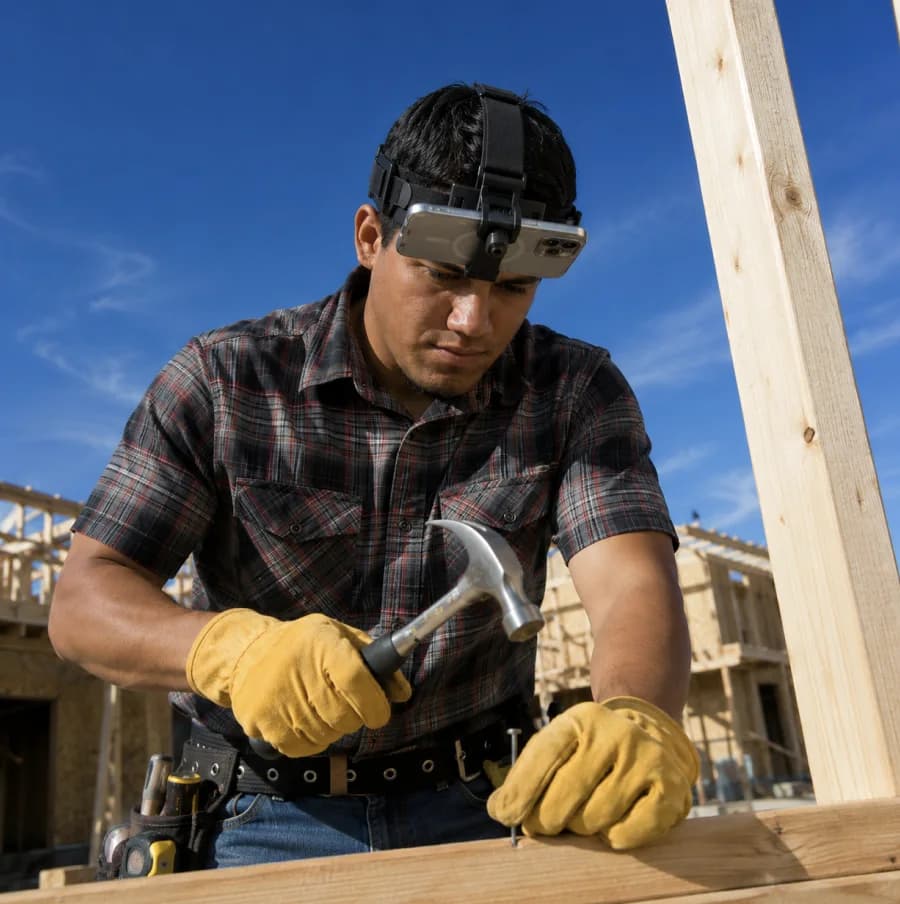
Hammering nails
Choose this answer
This guide covers the app, your headset, and the recording rules you need to submit clear, eligible footage with Shift.
Have your approved phone, headset, payout details, and a reliable internet connection ready before you begin.

Use an approved iPhone or Android that is charged and connected to Wi-Fi.
Check approved devicesHave the phone mount attached and ready to tighten before fitting it.
Keep your bank routing and account number nearby for weekly payouts.
Download Shift, create your account, set up weekly payouts, and enter your partner code.
Download the Shift app
Visit go-shift.app on your phone to install the correct version.
Download the Shift appCreate your account
Sign in with Google, Apple, or your phone number and complete your contact details.
Set up weekly payouts
Select “Bank Transfer,” then add your routing and account number.
Enter your partner code
Use the code from your flyer, finish registration, and start your first eligible recording.
Attach your phone securely and adjust the headset so the camera captures your hands and work area.
Attach the phone mount
Secure the mount to the headset before inserting your phone.
Fit and tighten the headset
Adjust each strap until the headset stays stable while you move.
Aim the camera at your work
Keep the phone horizontal and angle it down toward your hands and tools.
Your payouts depend on recording quality. Use ACE—Action, Camera, and Environment—to produce high-scoring footage and earn more.
Tap one answer for each ACE question. You’ll get feedback immediately.
Record a real, eligible hands-on task where your hands, tools, and work process stay visible from start to finish.
Mount your phone horizontally and angle it down so your hands, tools, and entire work surface remain clearly in frame.
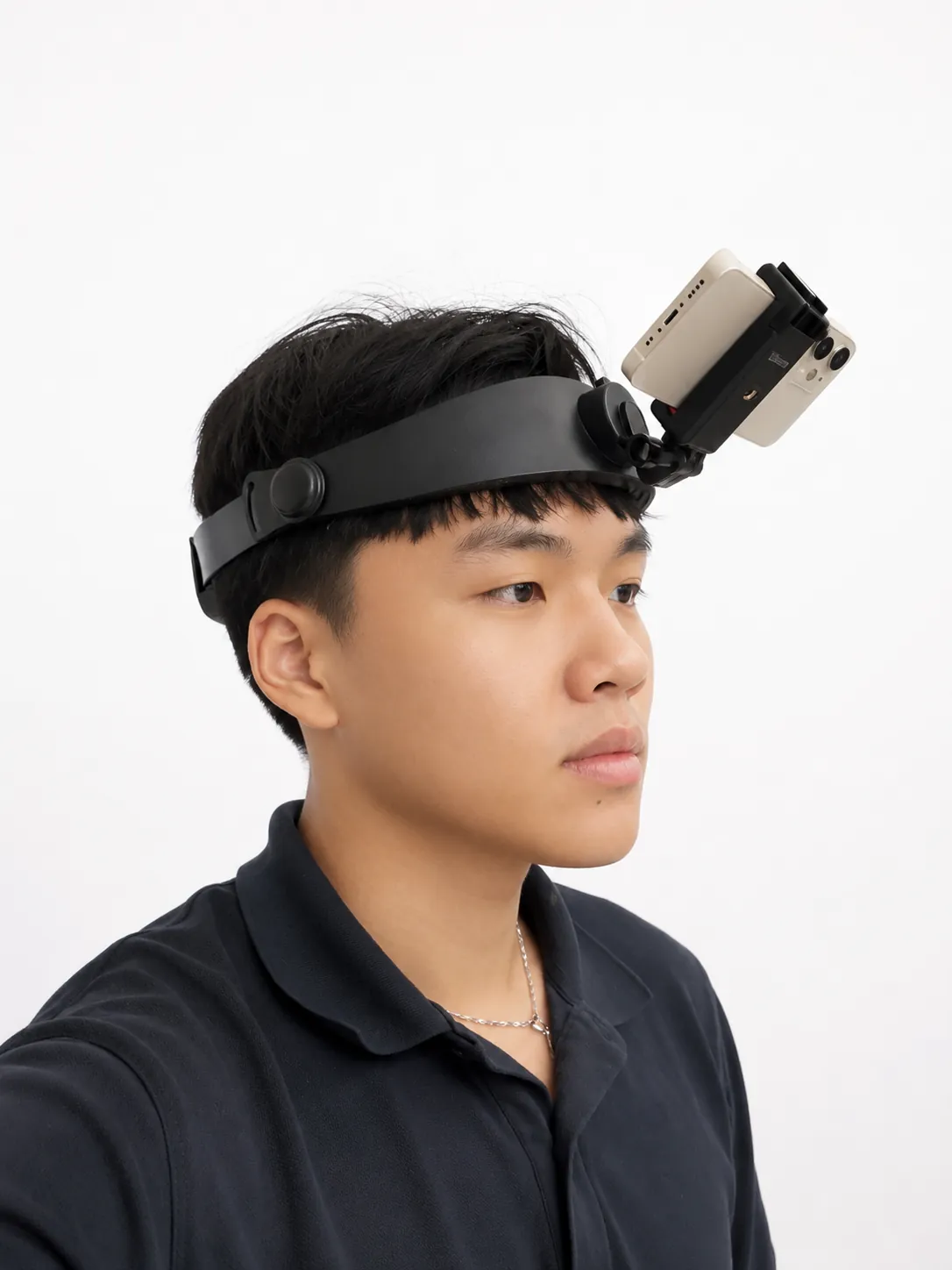
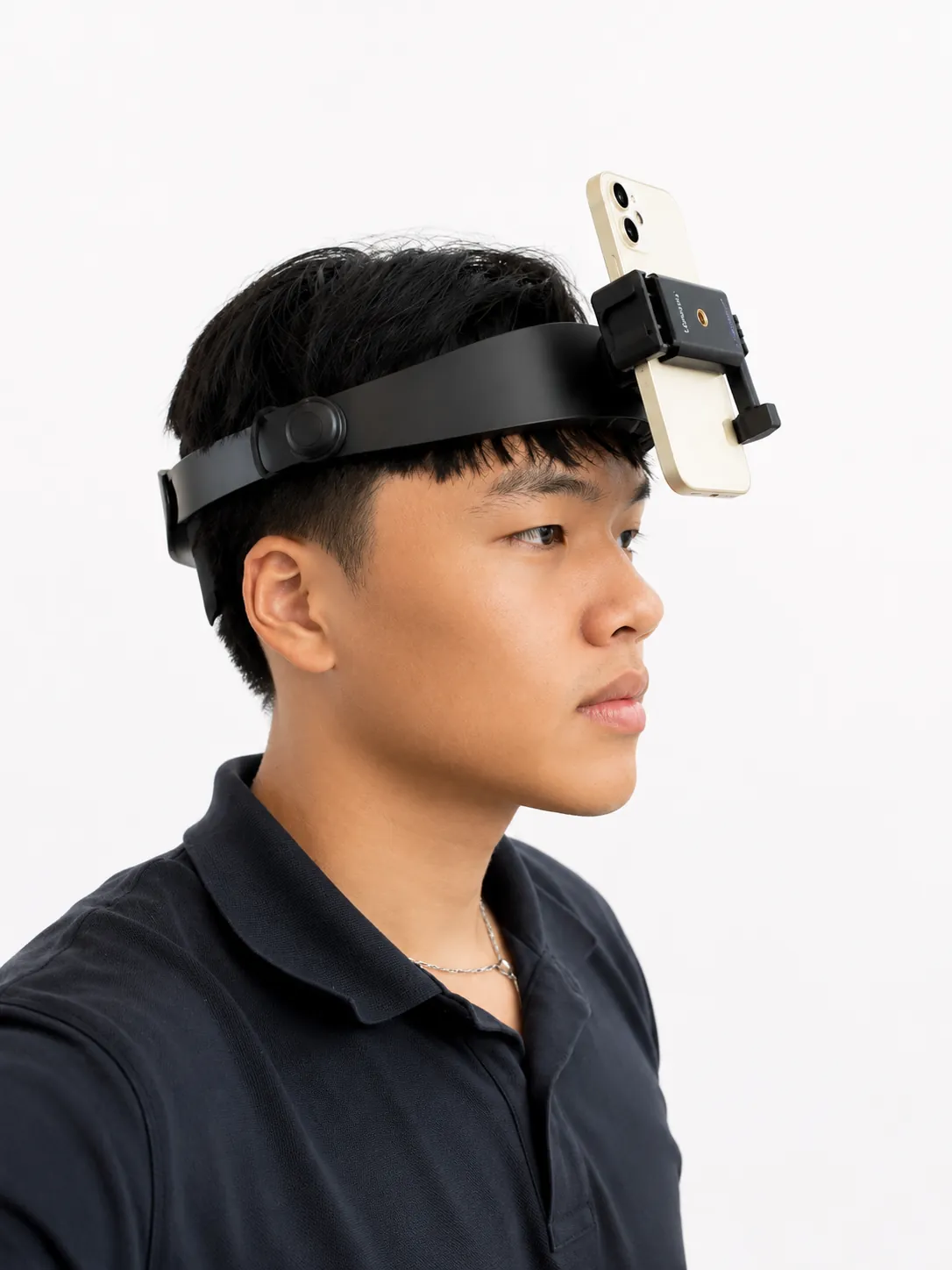
Record in a bright workplace or outdoor setting with even lighting, a clear work area, and no private-home interiors.
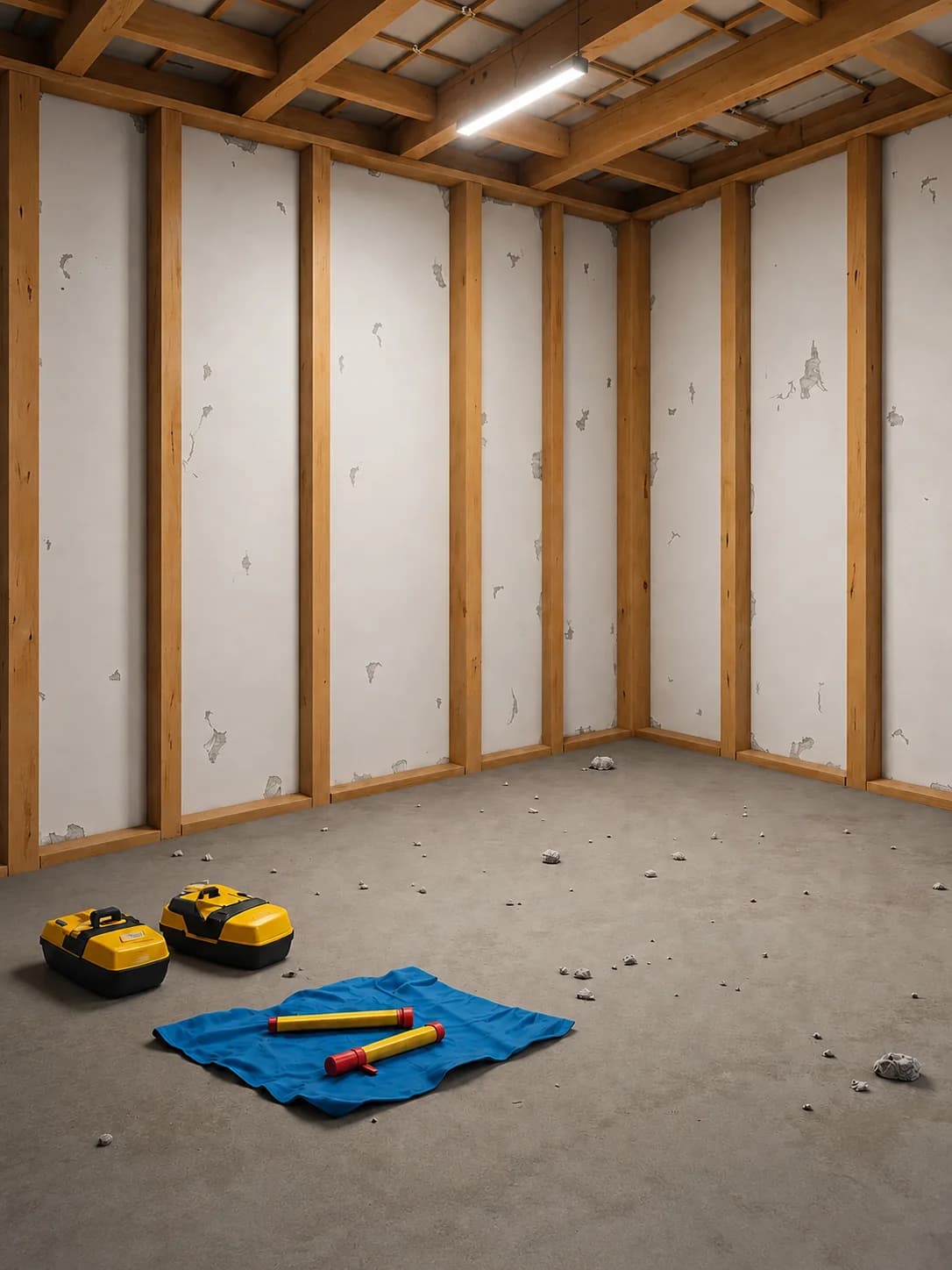

Record in approved work environments—not private homes—to improve your acceptance rate and earn more from usable footage.
 ✓ Allowed
Auto shops, restaurants, job sites, farms, industrial cleaning, gardens, and other real work environments can qualify.
 × Not allowed
Do not record inside houses or apartments, including household chores, in-home cleaning, or other residential services.
Search for your industry or the hands-on task you want to record. This directory is a guide, not a comprehensive list.